
 ES








Prepare a Focused Texas Medicaid Virtual Visit
Verify your plan, technology, symptoms, and next steps.
Can Texas Medicaid Members Use VirtualCare2go?
VirtualCare2go states that it accepts Texas Medicaid and provides online healthcare visits for appropriate medical concerns. The VirtualCare2go Texas Medicaid page is the correct starting point for patients looking for a Texas Medicaid telehealth provider.
Accepting Texas Medicaid does not mean every member, managed-care plan, service or appointment is automatically covered. Medicaid benefits can depend on the member’s active eligibility, specific plan, provider participation, medical necessity and the service delivered.
Before scheduling, verify individual benefits using the member-services telephone number on the current card or the plan’s official portal.
Is Virtual Care the Right Setting?
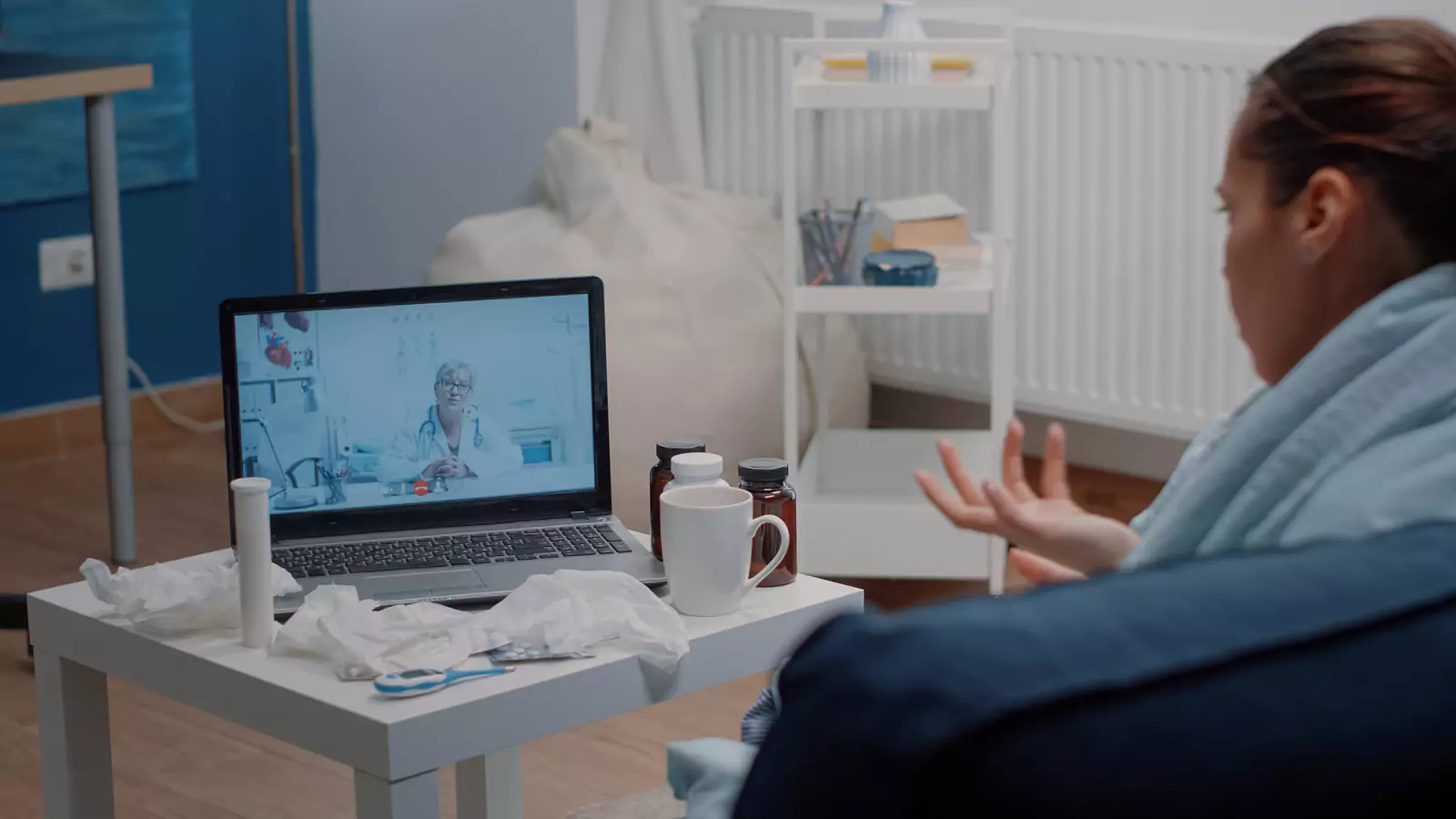
Virtual care can be useful when a patient has a stable, non-emergency concern that may be evaluated through a video appointment. The provider can review symptoms, medical history, medicines and visible findings, then determine what can safely happen next.
Telehealth cannot replace every hands-on examination, laboratory test, imaging study or procedure. A provider may recommend in-person care when the online visit cannot answer the clinical question safely.
Call 911 or go to the nearest emergency department for:
- Severe difficulty breathing
- Persistent chest pain or pressure
- Signs of stroke
- A seizure
- Major bleeding
- Severe allergic symptoms
- Loss of consciousness
- New confusion
- Inability to remain awake
- Another potentially life-threatening condition
Do not wait for a virtual appointment or Medicaid verification when emergency symptoms are present.
How Should You Verify Texas Medicaid Benefits?
Have the current member card available. Ask member services:
- Is the patient currently eligible?
- What is the complete Medicaid plan name?
- Is VirtualCare2go participating with this plan?
- Is the telehealth service covered?
- Does the service require a referral?
- Is prior authorization required?
- Does the patient have any cost-sharing responsibility?
- Are laboratory testing, prescriptions or follow-up separate benefits?
- Are there age, location or service restrictions?
- How should the member question a claim or denial?
Record the date, representative’s name when available and reference number.
Benefit verification is not a guarantee of payment. Final coverage depends on eligibility, plan terms, medical necessity, documentation, coding and the services provided.
What Should You Prepare for the Appointment?
Create a concise patient summary:
- The main reason for the visit
- The date and time symptoms began
- How symptoms have changed
- Current severity
- Treatments already tried
- Current prescription medicines
- Over-the-counter medicines and supplements
- Medication and food allergies
- Important medical conditions
- Recent tests or medical visits
- Preferred pharmacy
- Primary care contact information
Choose one main concern for the opening explanation. You can mention other symptoms, but starting with a clear clinical question helps the provider understand what needs attention first.
For example: “My sore throat and fever began two days ago, and today swallowing became more painful” is more informative than “I do not feel well.”
How Should You Prepare Your Technology?
Before the appointment:
- Charge the phone, tablet or computer.
- Test the camera and microphone.
- Confirm the internet connection.
- Allow required browser or application permissions.
- Place the camera at eye level.
- Use a light source in front of the patient.
- Keep the device stable.
- Have a backup telephone number available.
Log in early enough to resolve basic technical problems. Keep the device connected to power if the battery is low.
A failed video connection may limit what the provider can evaluate. If video cannot be restored, the provider or service may decide whether another appointment format or care setting is required.
Protect Privacy During Virtual Care
Choose a private, well-lit location where the patient can speak freely. Use headphones if other people are nearby.
Avoid joining from:
- A moving vehicle
- A public waiting area
- A crowded workplace
- A noisy store
- Another setting where medical information can be overheard
The patient should be physically located where the service is authorized and should state the location accurately. Location matters because licensing, emergency planning and service rules may depend on where the patient is during the appointment.
A caregiver may participate when the patient consents. When appropriate, the patient should also have time to speak privately with the provider.
What Can a Provider Evaluate Online?
A virtual visit may allow the provider to review the symptom history, observe the patient, discuss medicines and evaluate certain visible concerns.
The provider may ask the patient to:
- Describe breathing
- Show a visible rash
- Move a joint
- Demonstrate where pain occurs
- Report a temperature
- Review medication labels
- Explain recent home readings
Home measurements can provide context, but they have limitations. A normal reading does not make concerning symptoms automatically safe, and an unusual reading may need confirmation.
A video visit does not guarantee a diagnosis, prescription, test or treatment.
Can You Receive Medication Through Telehealth?
A provider may prescribe medication when it is medically appropriate and permitted. A prescription is never guaranteed.
Medication decisions may depend on:
- Symptoms and duration
- Medical history
- Allergies
- Pregnancy status
- Kidney or liver conditions
- Current medicines
- Previous reactions
- The need for examination or testing
Antibiotics do not treat viral infections and should not be prescribed solely because a patient expects them.
VirtualCare2go states that controlled or narcotic medication refills are not provided through its online urgent-care service. Confirm current medication policies directly before scheduling for a refill request.
What if Testing or In-Person Care Is Needed?
Telehealth may be the beginning of a care pathway rather than the entire pathway. The provider may recommend laboratory testing, imaging, a physical examination or emergency evaluation.
Ask:
- Why is another service needed?
- How quickly should it happen?
- Where can it be completed?
- Who will place the order?
- Who will review the result?
- Will the outside service bill separately?
- What should happen if the result is delayed?
Verify Texas Medicaid benefits for outside testing or referrals. Do not assume that coverage for a VirtualCare2go visit automatically covers another provider or facility.
How Should You End the Visit?
Before disconnecting, confirm:
- The working assessment
- What remains uncertain
- Medication instructions
- Supportive-care instructions
- Warning signs
- Testing plans
- Result ownership
- Follow-up timing
- The next setting if symptoms worsen
Use teach-back by repeating the plan in your own words.
Save the visit summary and update the medication list. Share relevant information with the patient’s primary care provider through a secure method.
Schedule With a Complete Plan
The most useful preparation sequence is:
- Screen for emergency symptoms.
- Verify current Texas Medicaid eligibility.
- Confirm VirtualCare2go participation and telehealth benefits.
- Prepare a focused symptom summary.
- Test the camera, microphone and internet.
- Choose a private location.
- Identify the pharmacy and primary care provider.
- Leave with clear follow-up instructions.
For an appropriate non-emergency concern, review the VirtualCare2go Texas Medicaid page, confirm current benefits with the member’s plan and schedule only after confirming that a virtual visit fits the concern.
Medical disclaimer: This article is educational and does not provide a diagnosis, individualized medical advice, insurance advice or a coverage guarantee. Eligibility, benefits, patient costs, prescriptions, scheduling and services depend on current plan terms, medical requirements and provider assessment. For an emergency, call 911 or go to the nearest emergency department.